- Log in to Colladium and navigate to the SMSF Gateway page.
- Locate your fund and, in the Actions column, click the Delete Fund icon.
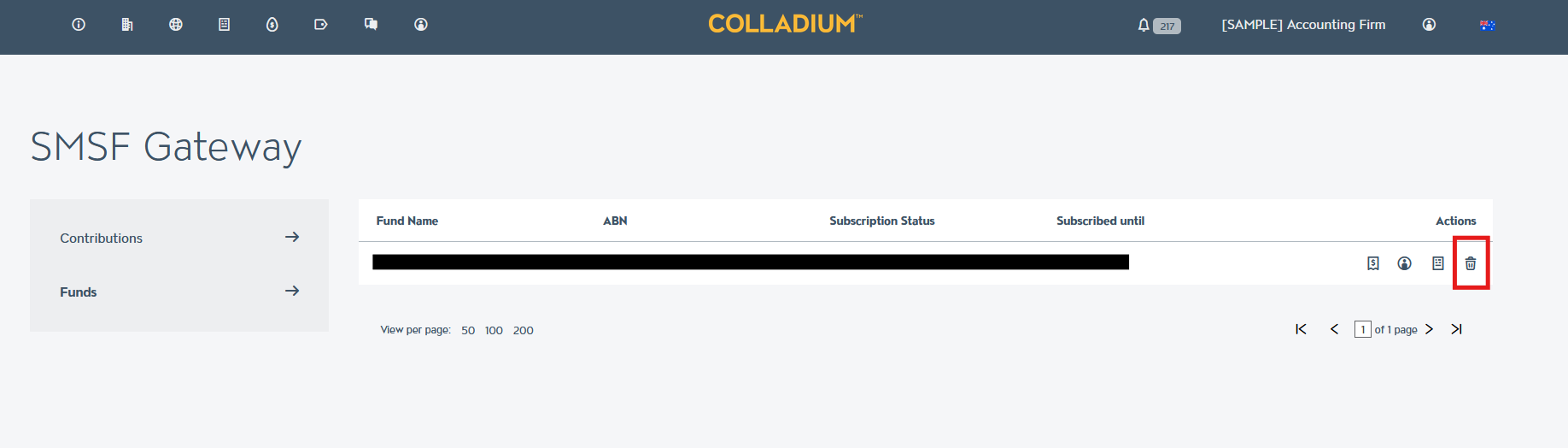
- When prompted to confirm, click Yes, Delete.
Once the fund has been deleted, you will no longer receive new contributions for that fund and your SMSF Gateway subscription will not be renewed or billed in future.