To make working in Colladium more efficient, you can save filters that you use frequently. This way, you won’t have to enter the same search parameters every time. Here’s how:
- Go to the Forms listing page by hovering over the navigation area in your Colladium account and clicking Forms. You can save filters for all form types: purchase orders. despatch advices and invoices.

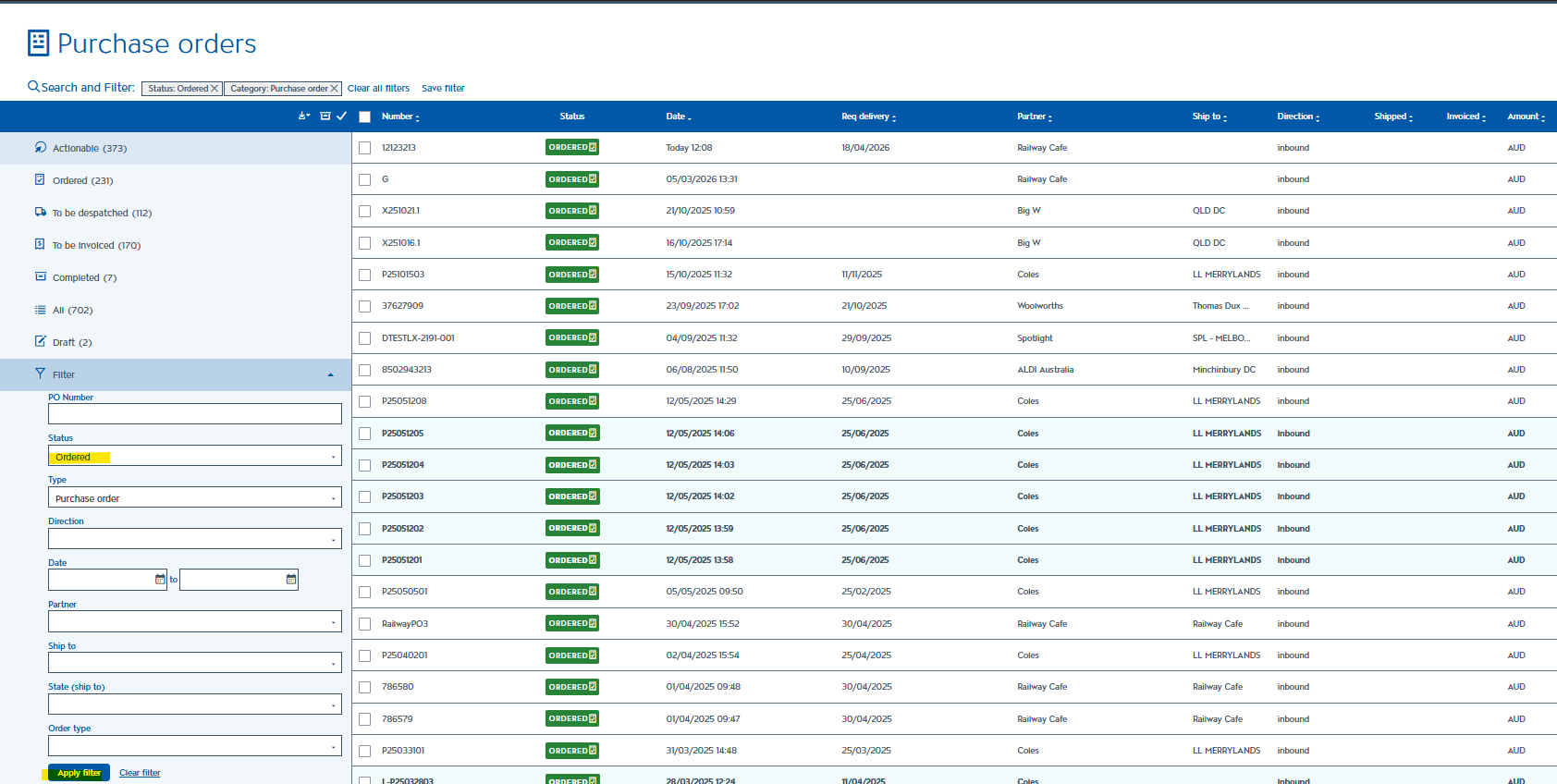
- In the dashboard, click Filter on the right, enter your parameters, and then click Apply filter.
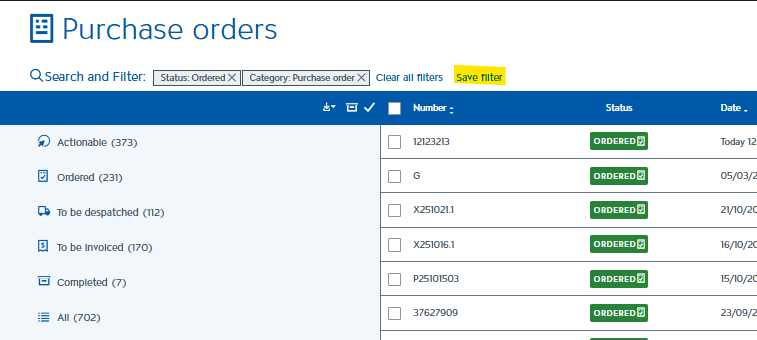
- Click Save filter at the top left of your screen and enter a name for your filter.
- Your saved filter will now appear on the left side of the screen. Just click it whenever you need it, and the parameters will be applied automatically.
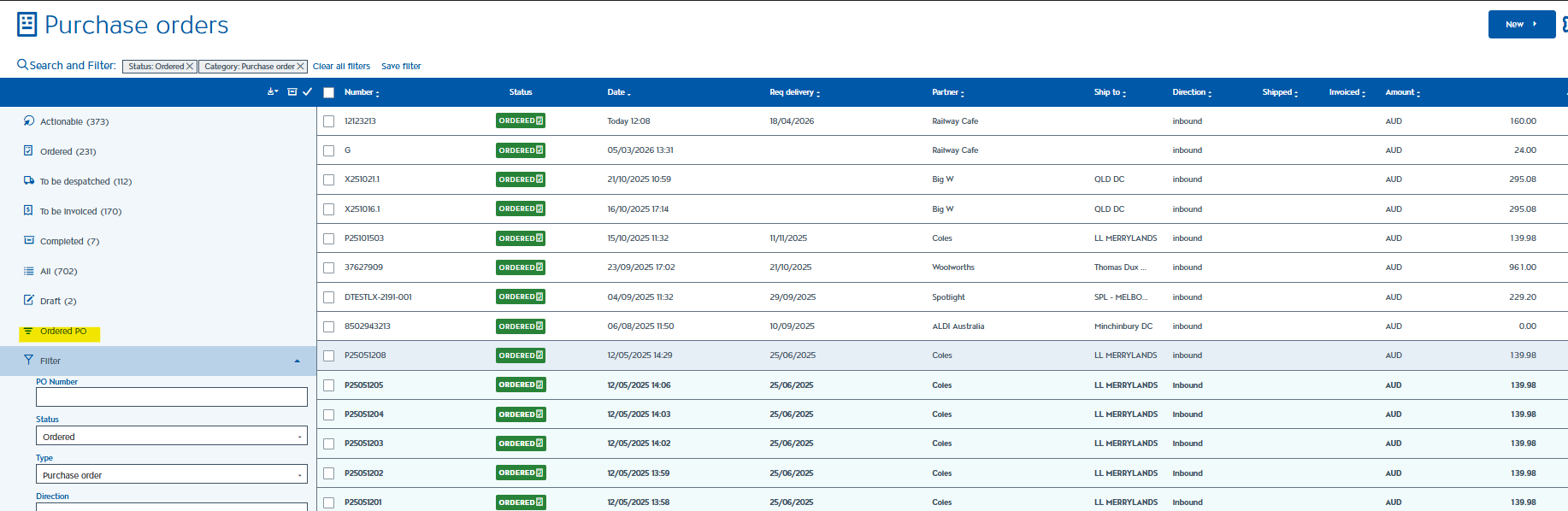
This will make managing your forms faster and help you stay organised.