When you are moving to an SMSF (or from one SMSF to another), you will need to send an ESA to your employer to let them know where to send their superannuation contributions.
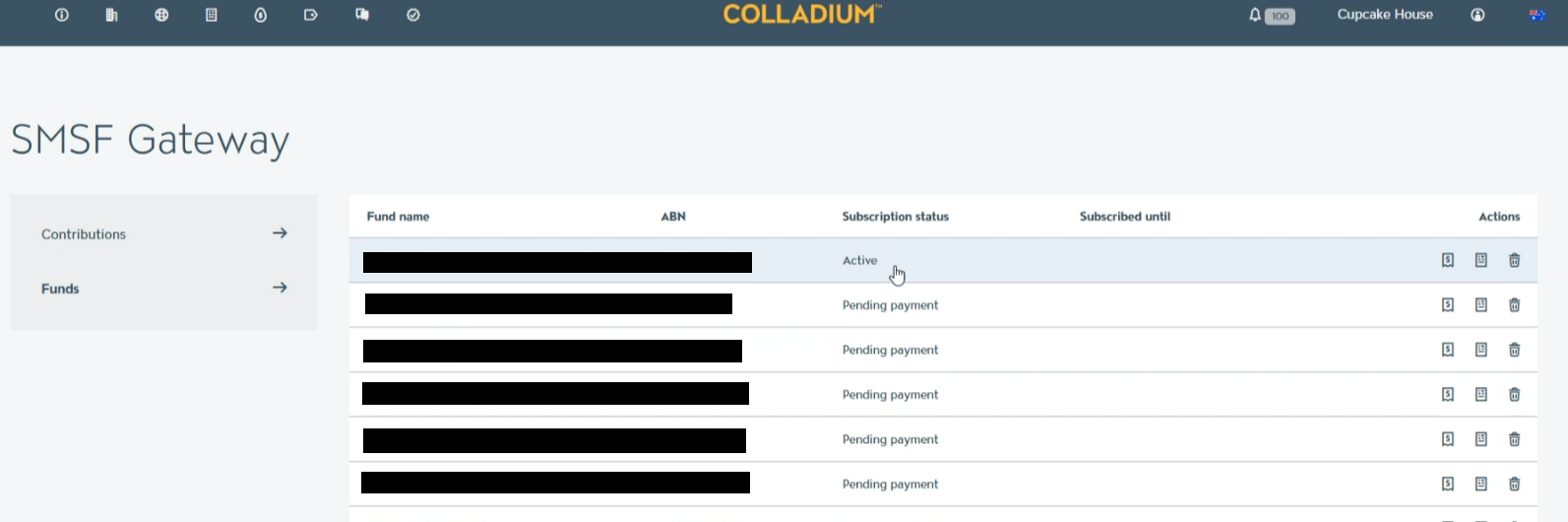
- Click on the SMSF Gateway tab in Colladium (tabs are in the top-left of the screen) to view a list of each fund:
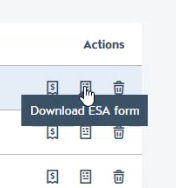
- To the right of your fund, click on Download ESA Form to download a PDF form which will then save to your computer:
- Reach out to your employer, attaching this form, and let them know to send their contributions to the ESA in the form.