You can view more information about contributions to your SMSF by following these simple steps.
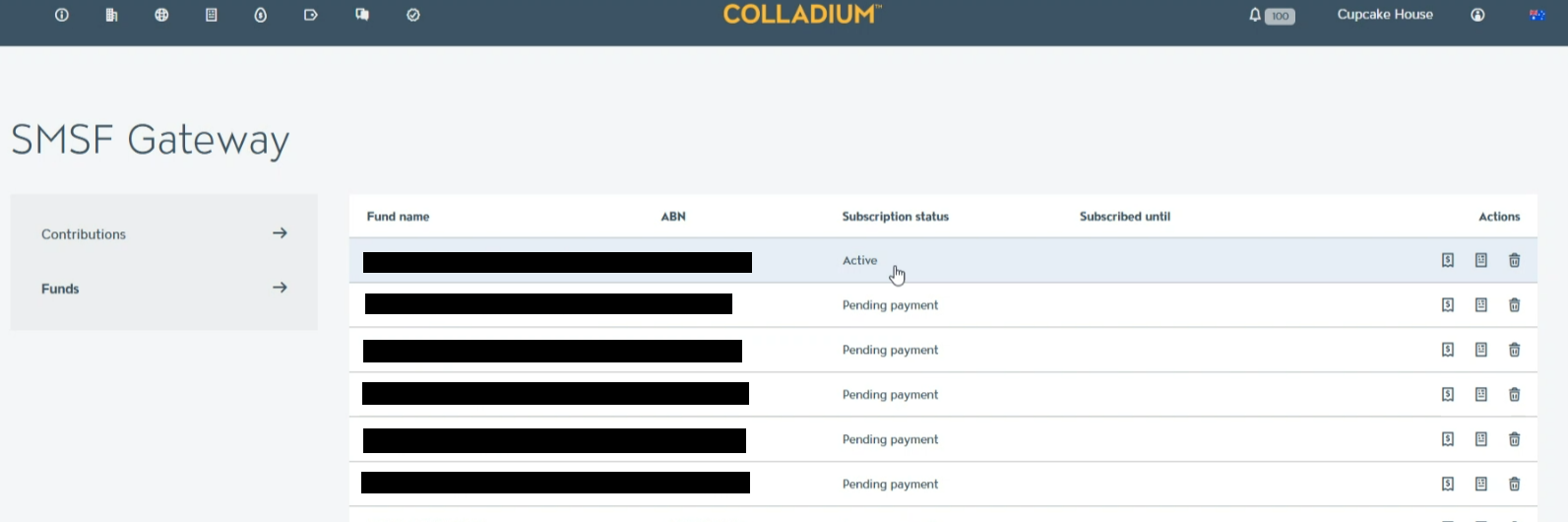
- Click on the SMSF Gateway tab in Colladium (tabs are in the top-left of the screen) to view a list of each fund:
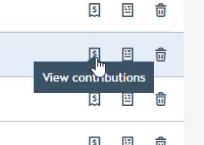
- On the right of the fund you want to view contributions for, click on the contributions icon, which says View Contributions when hovered over:
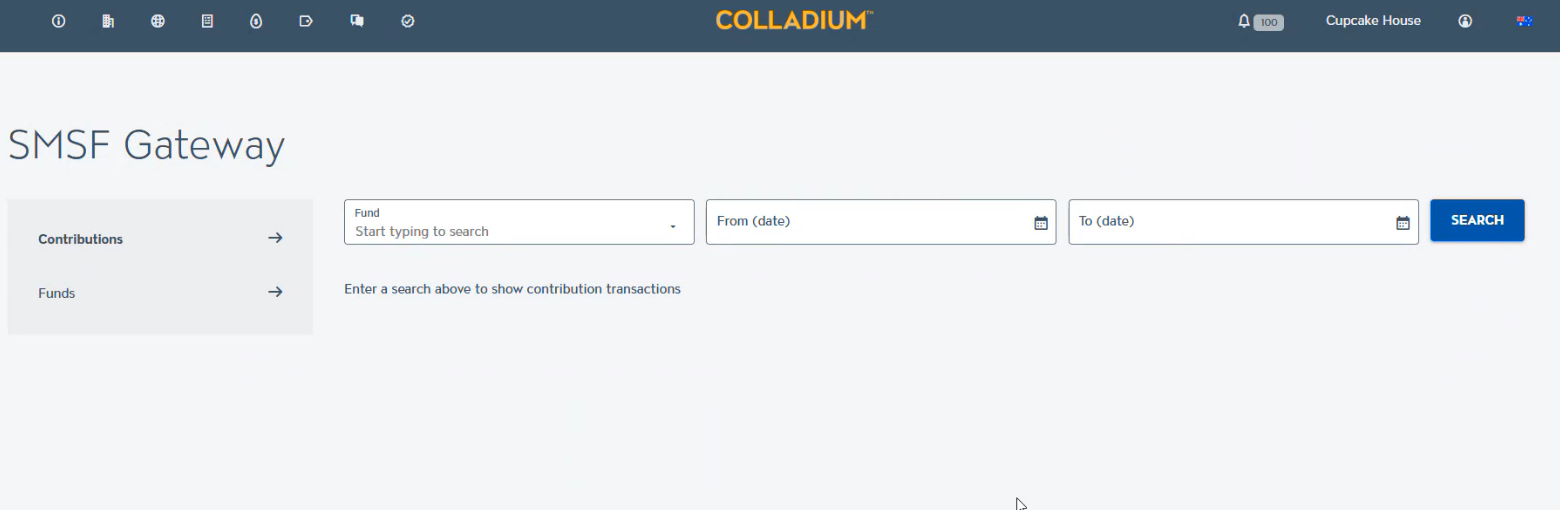
- It will straight away show you the last three months of contributions. But you can use the filters to search for a different date range. Click a contribution to expand it and show more details:
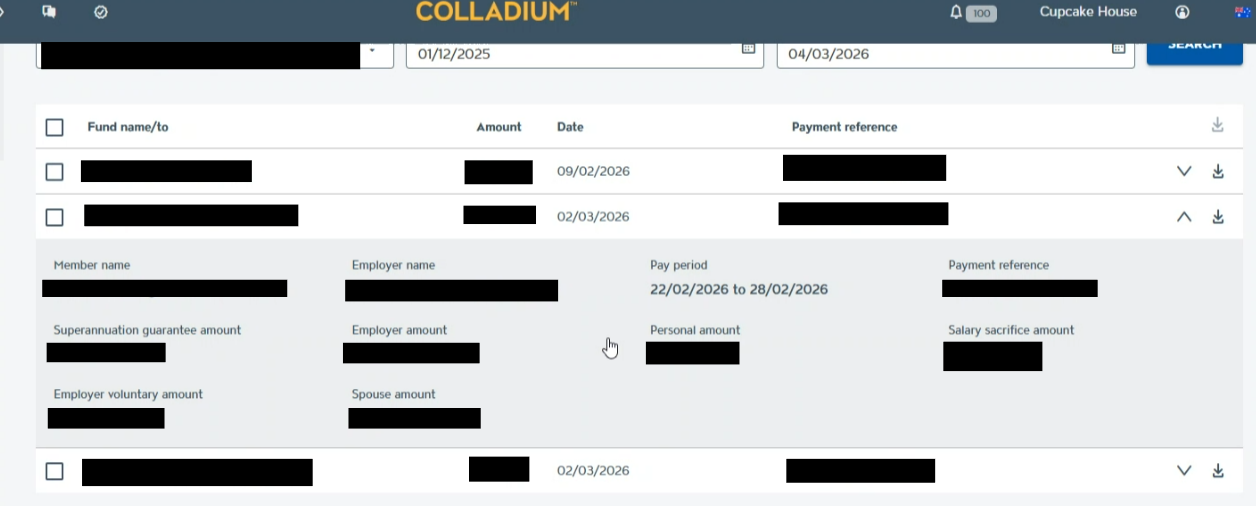
- Now you can download contributions in PDF or CSV:
- Individually by clicking the download icon on the very right-hand side of that line.
- In bulk by checking the boxes to the left of each contribution then clicking the bulk download icon at the top of the table.